Booking confirmations, service questions and waivers are included in Free. Removing widget attribution requires Starter or Pro; Free includes it. Automatic appointment reminders require Starter. Per-professional Google Calendar checks and follow-up emails require Starter. Waitlists and custom email templates require Pro. Team profiles describe the professionals available for appointments. The first Shopify installer owns the workspace; later authorized Shopify users receive admin access. Only the owner manages subscription billing and payment connections.
Try a paid plan
Open Billing to compare Free, Starter and Pro. An eligible workspace can start a 7-day trial with its first paid subscription. Shopify stores approve the subscription in Shopify. Standalone businesses use Stripe when subscription billing is available. Access changes only after the provider confirms the subscription; installing the app alone does not start a paid trial. If Billing shows Connect Shopify billing, the workspace owner selects it and approves store access in Shopify first. Return to Billing to choose a plan. Connecting the store does not start a subscription or a trial. During a trial, the dashboard shows the plan and trial end date. The subscription renews at the price you approve unless you cancel before the trial ends. Cancel or manage it from Billing. Cancellation or an expired subscription returns feature access to Free and keeps existing bookings, answers and configuration. Starting another subscription does not reset trial eligibility.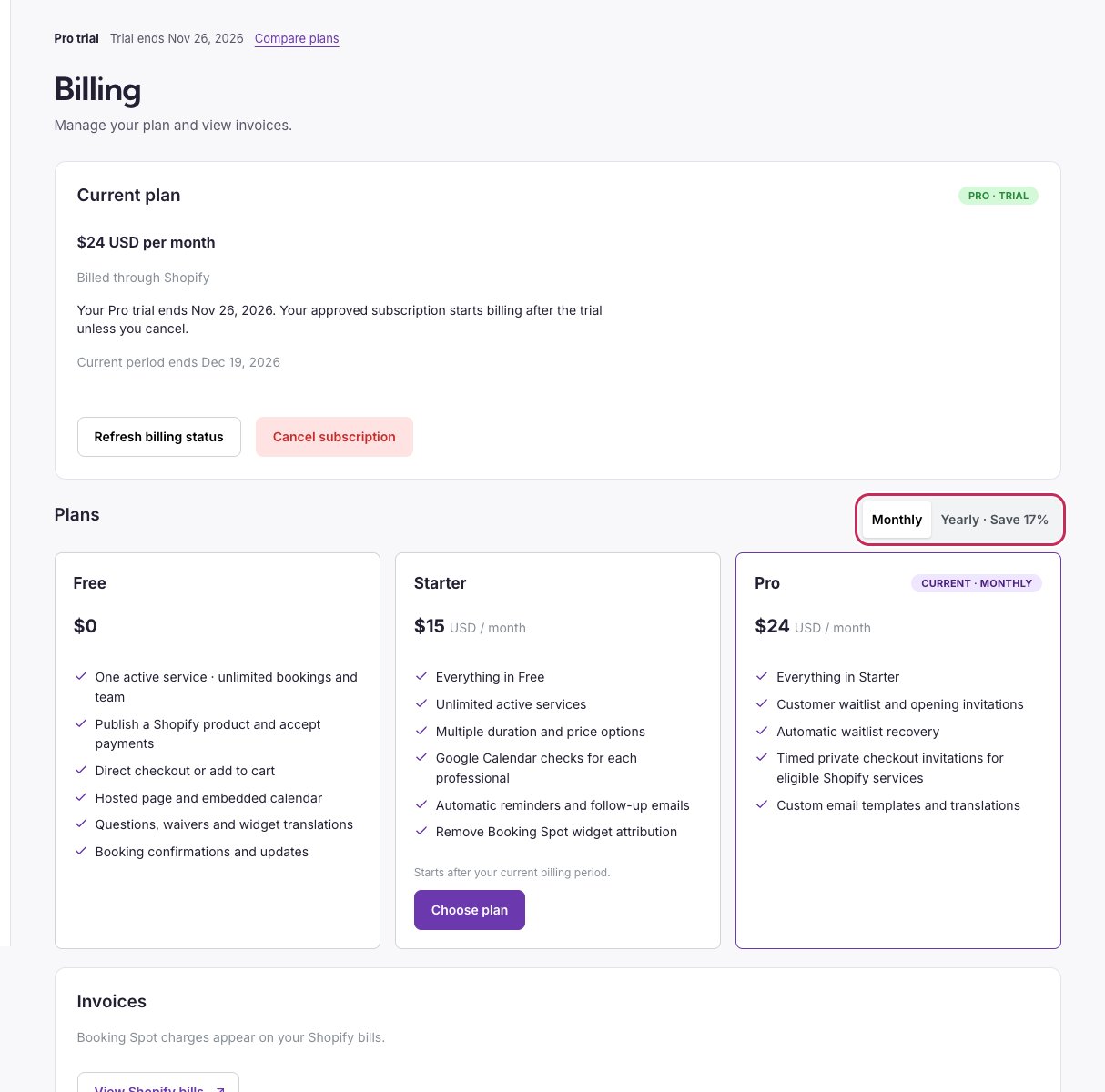
Billing shows your trial status and compares each plan’s features.