
Personal training bookings.
Make time for the next session.
Give clients a straightforward way to book a personal training session. Booking Spot coordinates trainer availability, the length of the session and any shared space you need, so you can spend less time arranging the next appointment.
Start free: one active service, unlimited bookings and team members.
Why Booking Spot
fits your day.
One-to-one training appointments that respect your working day.
- Keep each trainer’s schedule clear
- Assign trainers to the sessions they provide and give each person their own hours. Existing appointments, breaks and time off shape the available times.
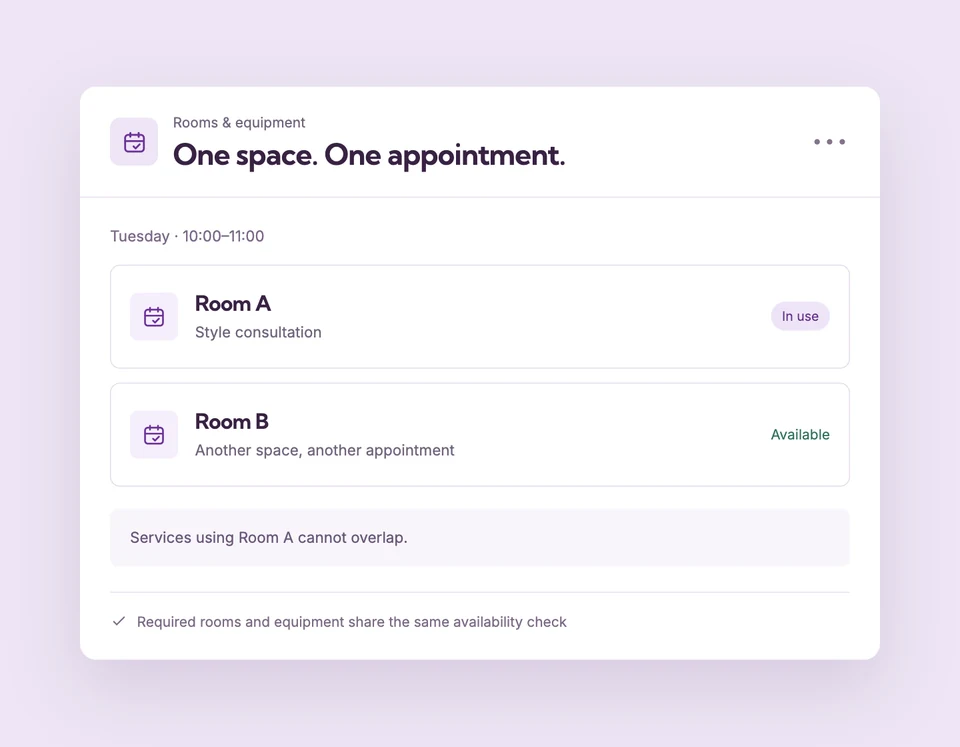
- Reserve the space a session needs
- Require a private studio or equipment resource when appropriate. The resource check works alongside the trainer’s availability rather than replacing it.
- Prepare clients for the visit
- Collect practical goals or experience information with booking questions. Starter reminder emails can help clients remember the session, while private management links support permitted changes.
One booking.
Thought through.
Offer a 60-minute one-to-one training appointment with a 10-minute buffer and a required private studio resource. Ask the client what they would like to work on and include arrival instructions in your service information.
Try the interactive booking demoExample setup · illustrative details
- Appointment
- 60-minute personal training
- Resource
- Private studio
- Intake
- Session goals
From account
to first booking.
Start with the service your customers ask for most. Your first test booking helps you check the details before going live.
- Add trainers and their bookable hours.
- Create a one-to-one session and assign any required space.
- Review the intake form, test a booking and share the calendar.
Choose where customers book.
- Your own websiteShare a hosted page or embed your calendar.
- WixAdd a calendar that fits your Wix site.
- ShopifyTurn your product pages into bookable services.
Compare Free, Starter and Pro for reminders, Google Calendar and waitlist features. Availability and payment options depend on your platform and saved settings.
Before you get started.
Can I use this for public fitness classes?
The workflow described here is one appointment with an assigned professional. It does not promise a public class roster, seat inventory or membership management.
Can I limit daily training sessions?
Yes. Configure daily, weekly or monthly booking limits for the service or professional. Completed and no-show appointments still count toward the period in which they started.
Can I use Booking Spot on my website, Wix or Shopify?
Yes. Standalone businesses can share a hosted booking page or embed the calendar. Wix businesses add the Booking Spot calendar to a page. Shopify businesses connect services to products and add the Booking selector. Follow the setup guide for your platform.
What is included when I start free?
Free includes one active service, unlimited bookings and team members, hosted pages, widget customization, booking questions and waivers, and standard confirmation and update emails. Starter adds reminders and Google Calendar checks. Pro adds waitlists. Payment processing fees are separate.
Your next booking starts here.
Create your account, add your first service and publish a booking page. Start free with one active service, unlimited bookings and your whole team.