
Give every service the right time
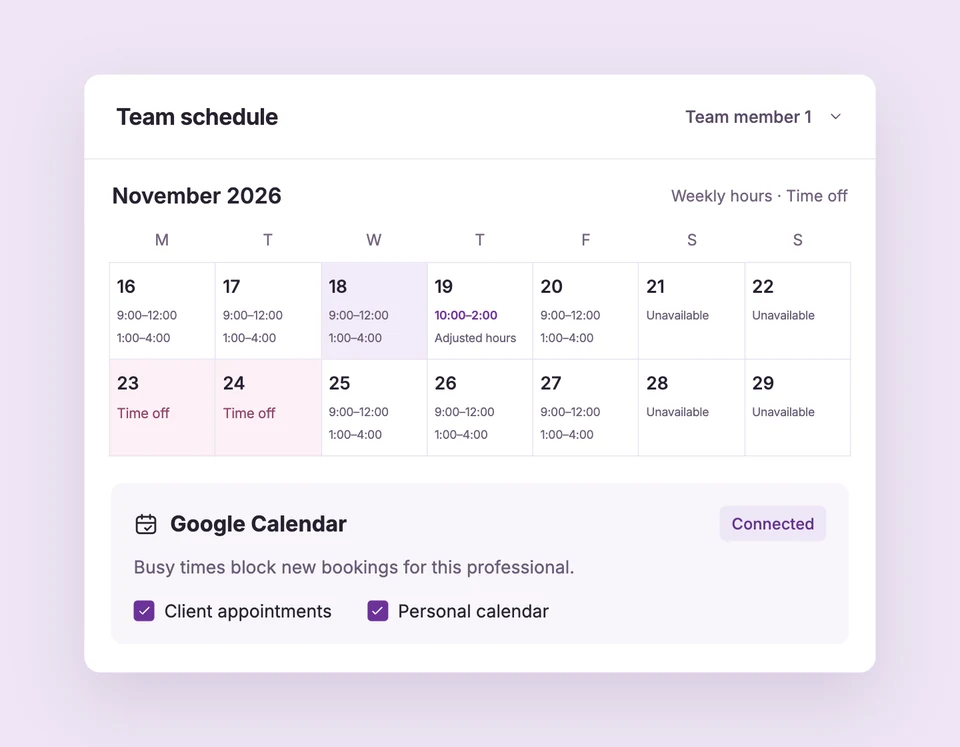
Assign eligible staff, set a service duration and add buffers. A two-hour consultation blocks every overlapping start for that professional while another professional can remain available.
Schedule your shared space
Assign a room or equipment to a service. When two services need the same resource, Booking Spot checks that it’s available as well as the professional.
Make follow-up part of the booking
Set up branded confirmation, reminder and follow-up emails. Customers can reschedule or cancel with their private link, subject to your booking policies.