
Booking confirmation emails.
Make the next step clear.
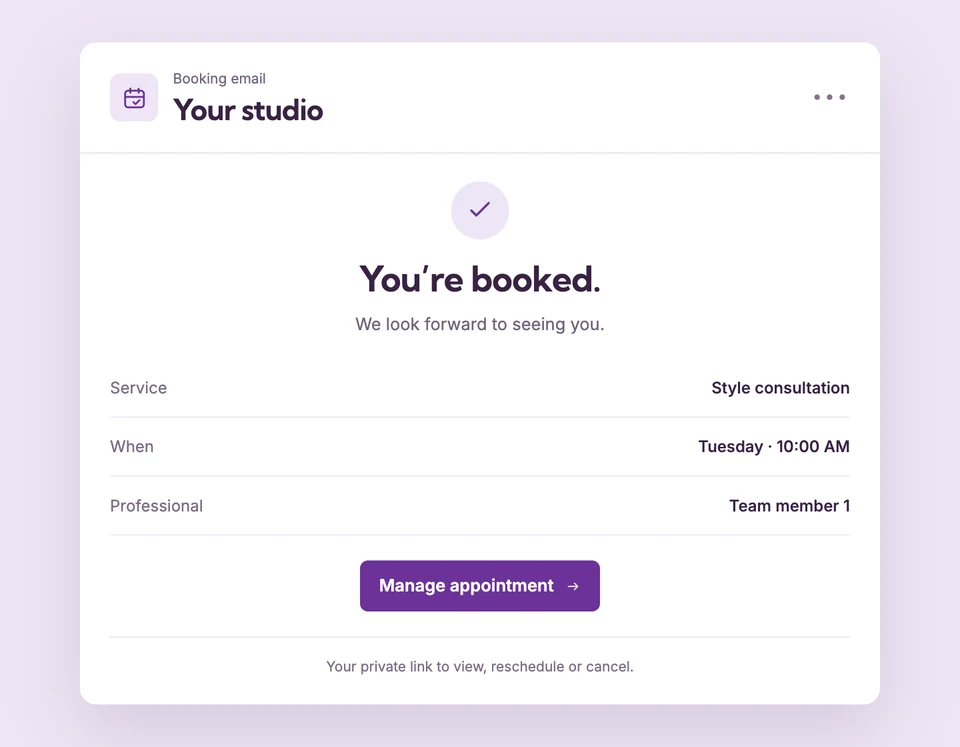
Give customers the booking details and a way to manage their appointment. Use enabled email workflows for confirmed bookings and for the status changes that follow.
Standard confirmation and appointment update emails are included in Free. Pro unlocks custom template text and translations. Compare plans
The appointment is booked.
Set up Confirmation emails for your business.
Enable customer emails
New workspaces start with booking emails enabled. Existing workspaces keep their saved setting, so check the master switch before testing.
Match the booking event
Confirmed, request received, approved, declined, cancelled and rescheduled have their own email types. A request should not read like a confirmed visit.
Give customers their private link
Customers can reopen the appointment from enabled booking emails and manage it within the saved cancellation or rescheduling policy.
One clear confirmation.
The details customers need.
After a service is confirmed, the customer can receive its appointment details and management link. When the visit moves, the reschedule workflow can communicate the change rather than leaving the original email as the only reference.
The details
that matter.
Know what the feature does, how it is configured and where its limits are.
- Sending remains configurable
- Both the business email switch and the message’s own switch control delivery. Disabling a message does not prevent the customer from booking.
- Check actual delivery state
- Workflows shows pending, sent, skipped and failed activity. Do not treat a queued event as proof the customer received it.
- Keep private links private
- A management link opens appointment details. Customers should treat it as private rather than posting it publicly.
Before you get started.
Answers about Confirmation emails, with guides for the next step.
Do confirmations require Starter or Pro?
No. Standard booking confirmations and updates are included in Free. Reminders and follow-ups require Starter, and custom template editing requires Pro.
Why did a customer not receive a confirmation?
Check the workspace and email-type switches, the appointment status and recent delivery activity. A pending request uses a different message from a confirmed appointment.
Can my team receive notifications too?
The Business owner notification workflow can notify the saved workspace account email when an appointment is created or changes status, subject to enabled delivery settings.
Take a closer look.
Try the sample calendar, then follow the guide when you are ready to set up your business.
Explore the related guide