
Rooms & equipment.
One shared room.
A free professional does not always mean a service is available. Assign the rooms or equipment it requires so every booking checks the shared resource as well as the person.
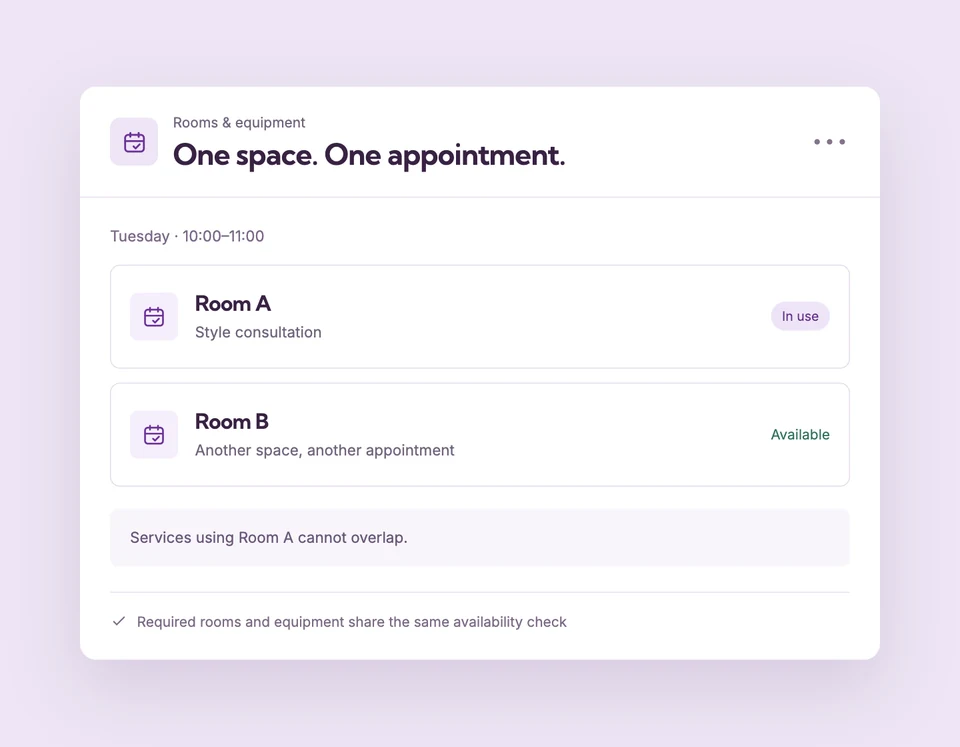
Shared resources are appointment availability checks. A separate room blackout calendar is not available in the current editor. Compare plans
Different services.
Set up Rooms & equipment for your business.
Add the resource
Create a room or equipment item in Business and policies → Rooms and equipment, then save the settings.
Assign it to the services
Select the resource in every service that needs it. Separate independent rooms need separate resource records.
Check the full interval
New appointments must fit the professional’s hours and all assigned resources, including the appointment’s buffers.
Two professionals.
One consultation room.
If a consultation occupies a shared room, a second service requiring the same room cannot overlap it even with another available professional. Services using a different independent resource can remain available.
The details
that matter.
Know what the feature does, how it is configured and where its limits are.
- One appointment per resource
- A resource provides exclusive capacity for one appointment at a time. It is not a quantity or group-capacity setting.
- Separate concepts stay separate
- A Shopify location controls product inventory or fulfillment. It does not replace a booking resource or set staff working hours.
- Use the right kind of closure
- Business closures affect everyone and should not be used to block only one room. Review current availability tools before promising room-specific blackout scheduling.
Before you get started.
Answers about Rooms & equipment, with guides for the next step.
Can I block a room for a private event without closing the business?
The current editor does not provide a separate resource blackout calendar. Do not use a business-wide closure if other rooms need to remain bookable.
Can one service require several resources?
Assign its required resources in the service editor. Each assigned resource must be free for the appointment and buffers.
Are resources the same as Shopify locations?
No. Resources prevent appointment conflicts. A Shopify location is an inventory or fulfillment setting, while the appointment address tells customers where to attend.
Take a closer look.
Try the sample calendar, then follow the guide when you are ready to set up your business.
Explore the related guide