
Online appointment payments.
Your way to get paid.
A Shopify store is not required to take appointments. Share a booking page or embed the calendar, then choose how each service collects payment.
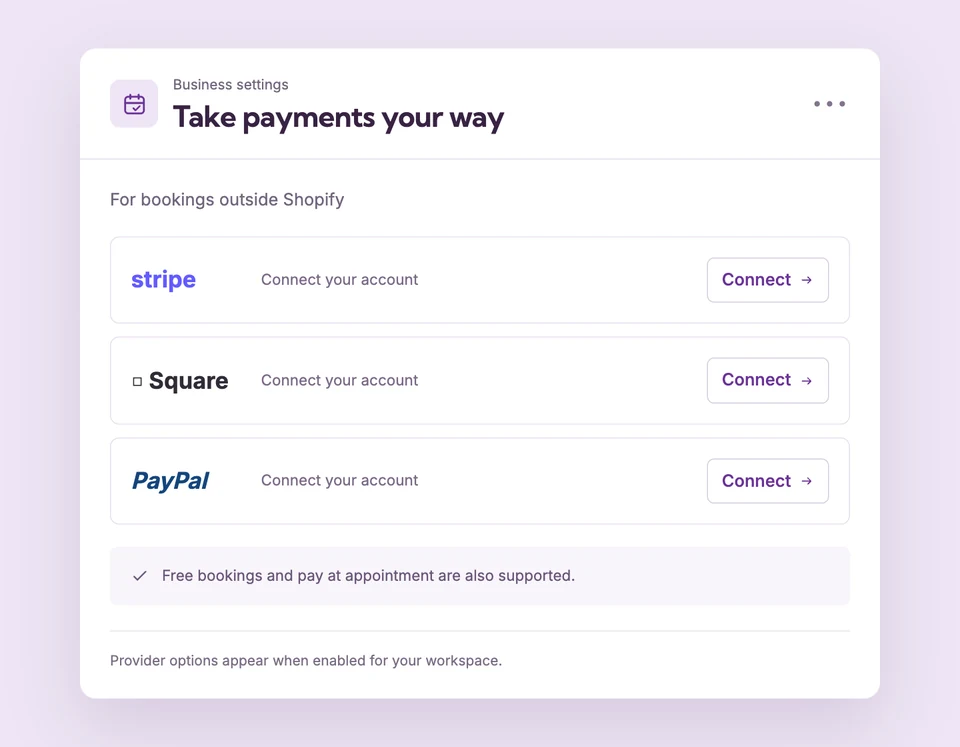
Free supports one active free or paid service. Online provider availability depends on the environment and account readiness; processing fees still apply. Compare plans
Your services.
Set up Standalone payments for your business.
Choose a payment approach
Offer a free appointment, take payment at the visit or use a ready connected online provider in a standalone workspace.
Connect the business account
In Payments, authorize an available Stripe, Square or PayPal account. Finish the provider’s verification and check the connection status.
Assign it to the service
Set the service price and payment method, save, then verify the public flow. Use provider sandbox accounts for payment testing.
No online store?
Still a place to book.
A consultant can share a hosted service page, use a ready Stripe connection for online payment or collect payment at the appointment. A free service can be used to check the booking flow before connecting a provider.
The details
that matter.
Know what the feature does, how it is configured and where its limits are.
- Your provider handles payouts
- Bank details, payout timing and account verification are managed by the provider you connect.
- Read the connection status
- Connected, Setup required and Unavailable describe whether a provider can be used. Do not select a provider that is not ready.
- Keep service and account aligned
- Use the business account intended to receive the booking payment. If you disconnect it, update affected services before taking new online bookings.
Before you get started.
Answers about Standalone payments, with guides for the next step.
Is a paid Booking Spot plan required to accept payments?
Free supports a paid service as its one active service. Provider processing fees remain separate from Booking Spot plan pricing.
Will Stripe, Square and PayPal always be available?
No. The provider must be enabled in the current environment and the connected business account must be ready. Payments shows its status.
Does cancelling automatically issue a refund?
Do not assume so. Review the original transaction in the provider dashboard and arrange any refund under your business policy.
Take a closer look.
Try the sample calendar, then follow the guide when you are ready to set up your business.
Explore the related guide