
Appointment approval.
Give your team the choice.
Use appointment requests for services that need a business decision. Customers submit a request and your team reviews it in Calendar before confirming the visit.
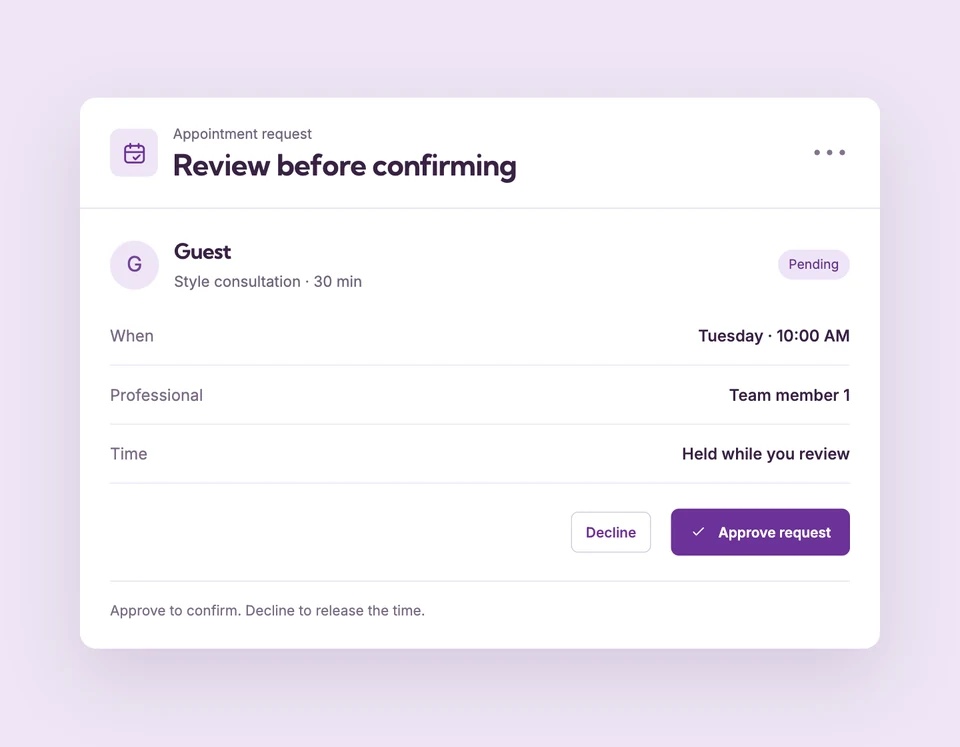
An approval request is not a confirmed appointment. For paid online services, payment happens before business approval. Compare plans
Some visits need a review.
Set up Booking approval for your business.
Enable approval for the service
Turn on Require approval in Service setup and save. Review the wording shown to customers so the request status is clear.
Review the pending appointment
Open Calendar and inspect the customer, selected time and booking answers before making a decision.
Approve or decline
Approve to confirm the appointment, or decline to release the time. Enabled workflows can send the customer the matching status email.
A request with useful details.
A decision before the visit.
A consultant can review a request and its intake answers before approving the appointment. The selected interval is occupied while the request is pending, so another customer cannot reserve the same time through that professional.
The details
that matter.
Know what the feature does, how it is configured and where its limits are.
- Pending requests occupy time
- Approval is part of availability, not a waitlist signup. The request counts toward the person’s schedule and booking limits.
- Keep payment wording honest
- A paid online request collects payment before approval. Review provider transactions and business policy when arranging any refund.
- Use the right email event
- Request received, approved and declined are separate workflow types. Enabled customer emails explain the appointment’s current status.
Before you get started.
Answers about Booking approval, with guides for the next step.
Can I require approval for just one service?
Yes. Require approval is saved per service. Services without that requirement use their normal confirmation flow.
Can customers pay only after approval?
Do not assume that flow. For paid online services requiring approval, payment occurs before approval.
Does declining create a waitlist opening?
It releases the interval. With Pro and recovery enabled, an eligible future opening can be checked for matching waitlist requests.
Take a closer look.
Try the sample calendar, then follow the guide when you are ready to set up your business.
Explore the related guide