
Appointment reminders.
More ready for the visit.
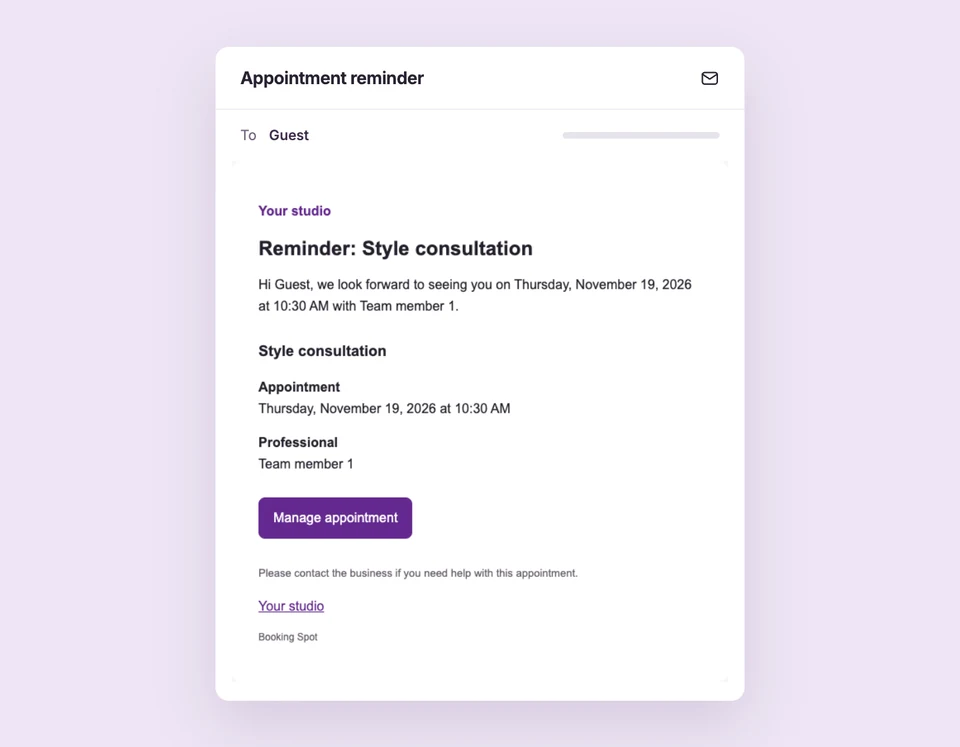
Keep the appointment on your customer’s radar with enabled reminder emails. After a completed visit, a follow-up can continue the conversation without another task on your team’s list.
Reminders and follow-ups require Starter or Pro. Standard booking confirmations and updates are included in Free. Compare plans
Less chasing.
Set up Reminders & follow-ups for your business.
Enable customer emails
Turn on customer and organizer emails in Business and policies. Check the reminder and follow-up message switches in Workflows.
Choose reminder times
Enable the 24-hour reminder, the one-hour reminder or both. Reminders apply to confirmed upcoming appointments.
Follow up after completion
Mark the appointment completed. An enabled follow-up becomes due 24 hours after the later of the appointment end or the completion action.
A visit tomorrow.
A useful reminder today.
A confirmed appointment can generate a reminder with service details and a private management link. If the visit is rescheduled or cancelled, delivery checks the current booking state instead of relying on an old schedule.
The details
that matter.
Know what the feature does, how it is configured and where its limits are.
- Respect booking changes
- Cancelled appointments stop their reminders. A reminder offset that has already passed when a booking confirms is skipped.
- See delivery activity
- Workflows distinguishes queued, sent, skipped and failed messages. Queued does not mean the customer has received the email.
- Practical timing
- Due reminders and follow-ups are checked on a background poll, normally every ten minutes, then queued. Delivery may be later than the nominal offset.
Before you get started.
Answers about Reminders & follow-ups, with guides for the next step.
Are these email, SMS or WhatsApp reminders?
These workflows send email. This page does not promise SMS or WhatsApp delivery.
Can I turn off a specific message?
Yes. Delivery depends on the workspace email switch and the individual message switch. Turn off the messages you do not want to send.
Can I edit reminder wording?
Pro unlocks custom email templates and translations. Starter includes the standard reminder and follow-up workflows.
Take a closer look.
Try the sample calendar, then follow the guide when you are ready to set up your business.
Explore the related guide