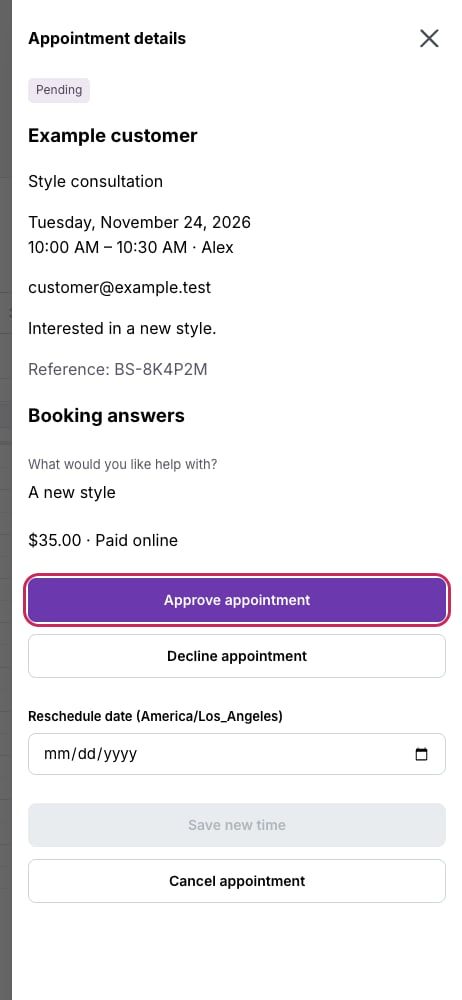
A pending request shows approval and decline actions in the appointment details.
Help a customer make their own change
Customers can reopen the private appointment link from their confirmation page or booking email. Reschedule and Cancel appointment follow your cancellation notice policy. If that window has closed, review the change in the dashboard. Treat the link as private because it opens the customer’s appointment details.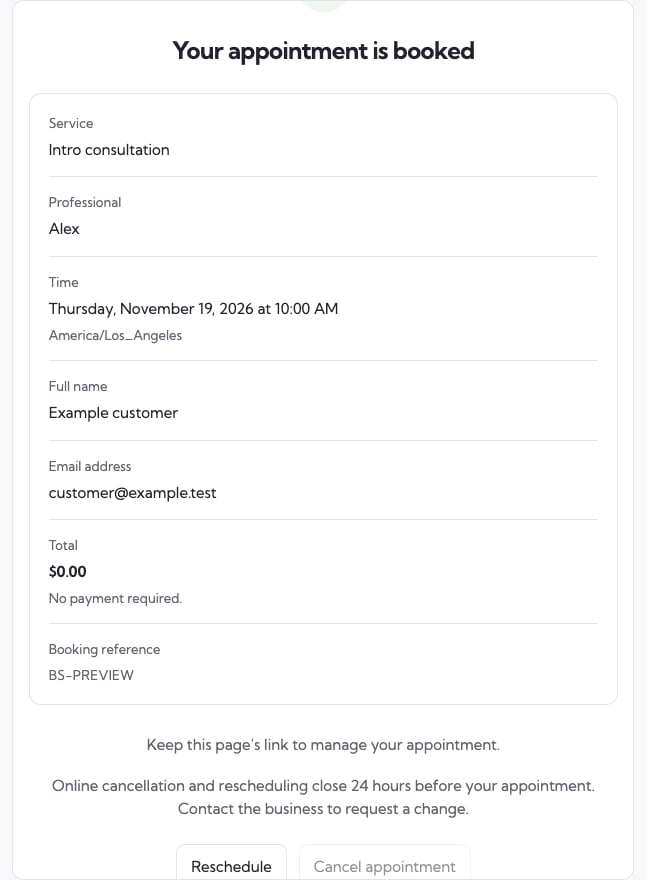
The customer confirmation shows the receipt and the actions available for this booking.