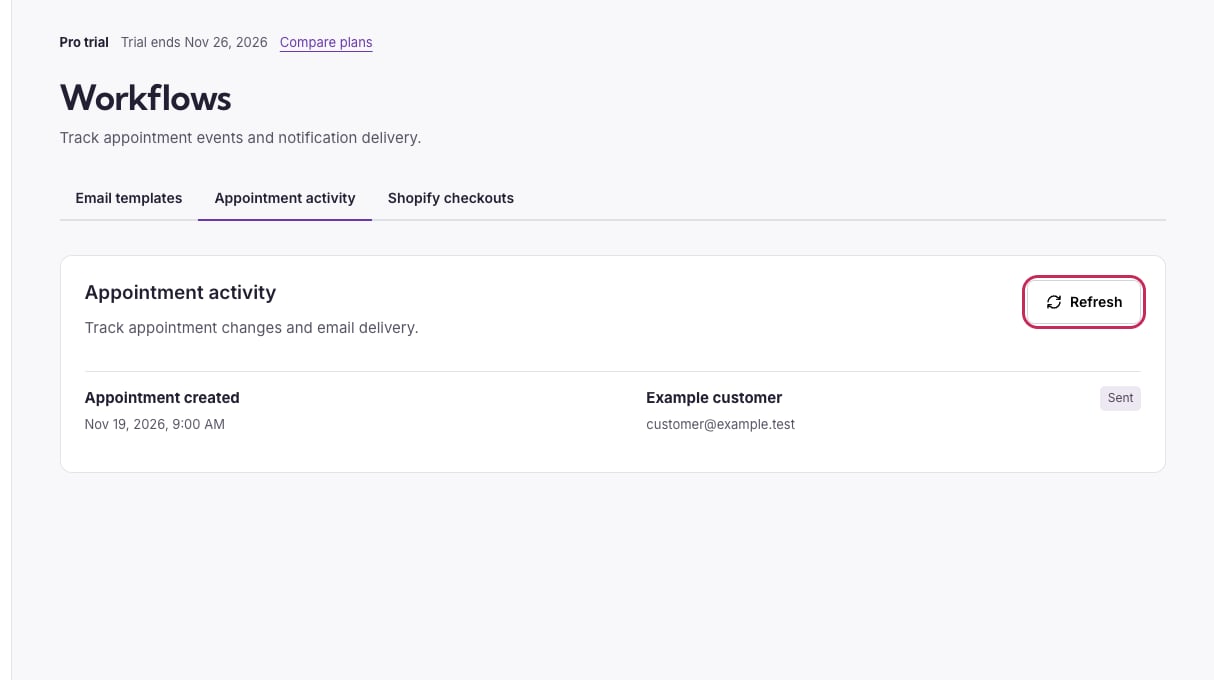
Open Workflows. The tabs separate template design from recorded activity.
Appointment activity with the Refresh button circled and an example sent booking notification.

Refresh the activity list after a booking change or email event.

Use Refresh for the latest entries. If several pages exist, use Next and Previous; refreshing returns to the first page. Times are shown in the business time zone. Owner email identifies organizer delivery. A missing customer label does not mean a payment succeeded or failed; inspect the underlying checkout/order. A pending or queued message is not evidence of inbox delivery. A sent entry records provider acceptance; check the recipient inbox and spam if the message is missing. Skipped or failed entries need review. Turning a message back on does not replay previously disabled communications.

Check a payment needing attention

Open the checkout tab and review status, amount, currency, order reference and any reason. A payment arriving after the hold expired may need a refund rather than a new automatic booking. A mismatched cart, extra paid order, cancellation or refund also needs review in the provider. Do not ask for another payment until the first attempt is understood.
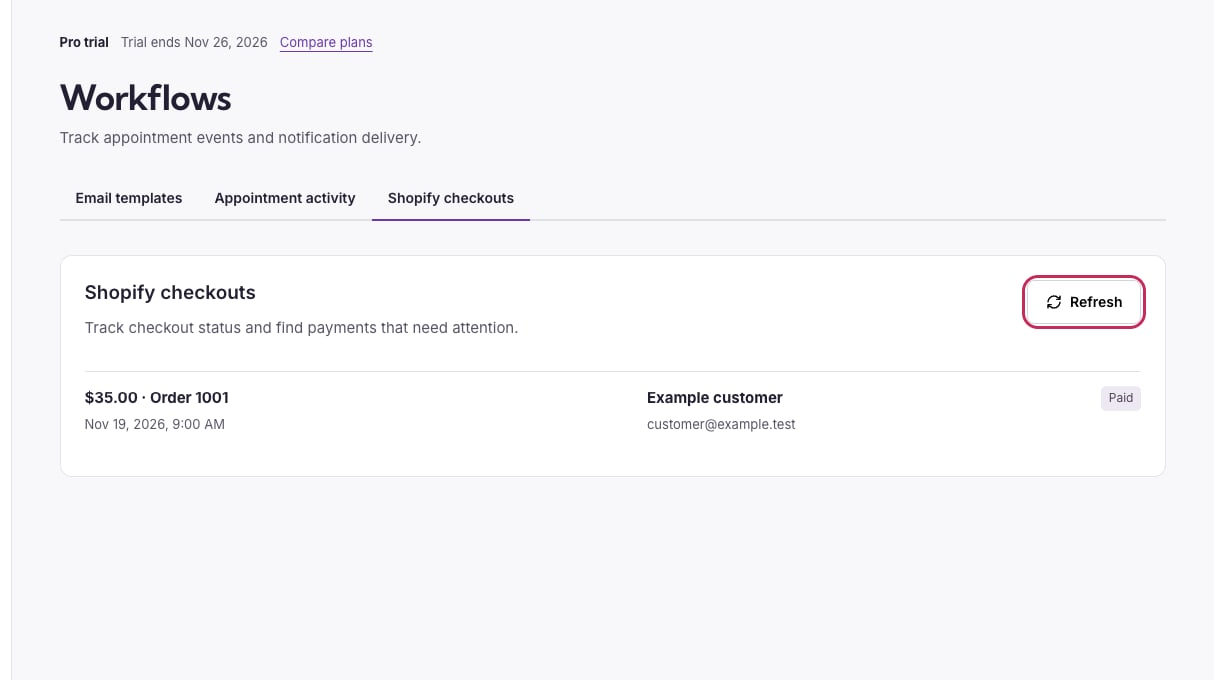
Shopify checkout activity with Refresh circled and an example paid order.

The checkout log helps match an appointment payment to its order.

See Shopify checkout testing, payment status and refunds and email troubleshooting.