  1. Open Customers → Directory.
  2. Search by the customer’s name or email. If they used different email addresses, look under each address for the corresponding bookings.
  3. Select the customer to open Appointment history.
  4. Select an appointment to review the time, service, professional, contact details, and notes the customer entered.
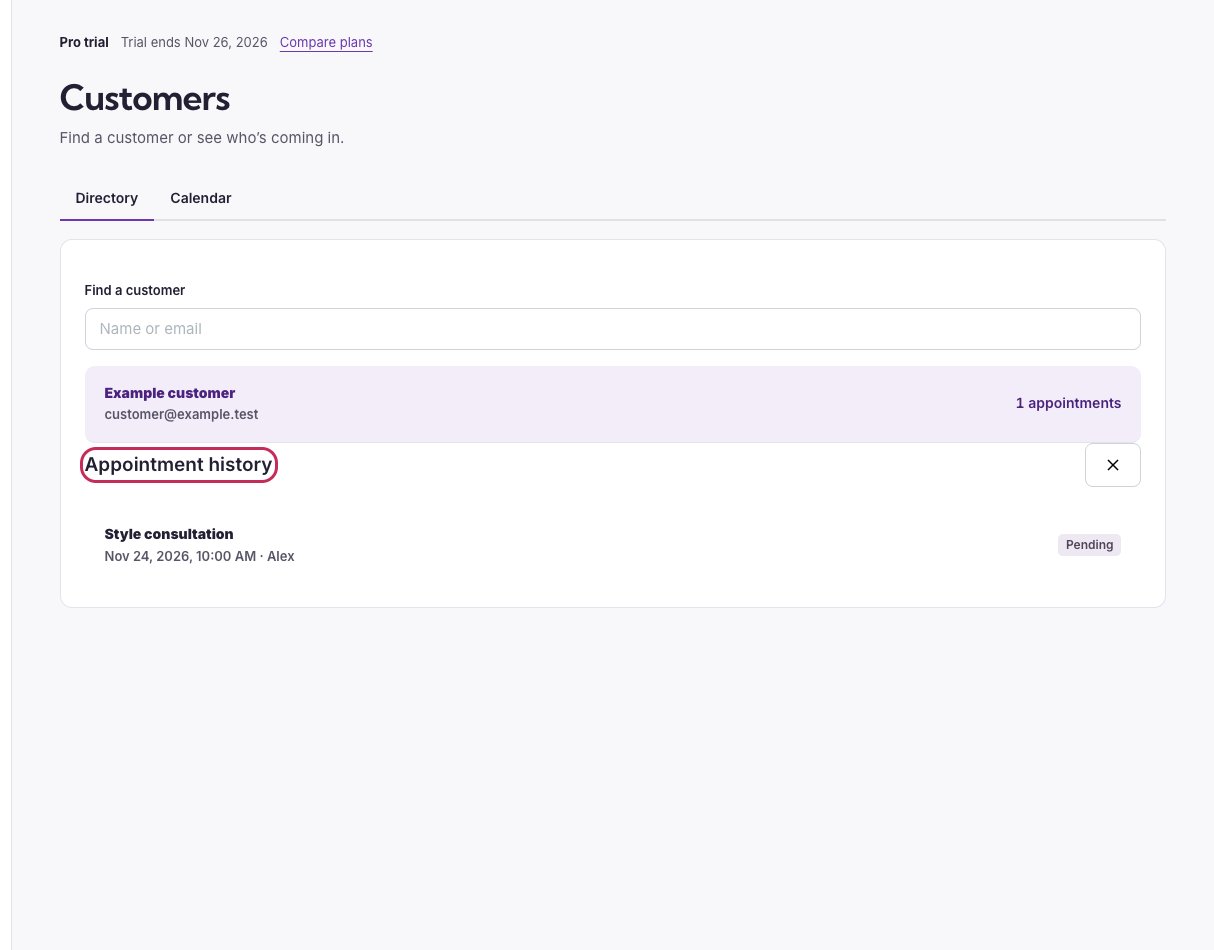
Appointment history section with its heading circled above a customer's booking.

A customer's appointment history gives you one place to open their bookings.

See who is coming in

Open Customers → Calendar and switch between Day, Week, Month, and Agenda. Filter by professional, service, appointment status, or customer name or email. The calendar also shows time off and holidays or closures. In Day and Week views, select one professional to see their working hours. Customers appear here through their appointment records. Review waitlist-only contacts in Waitlist. Handle appointment details and private links with the same care as other customer information.