Choose how often to receive updates
- Open Notifications. Owners and Managers choose the My booking updates tab; Staff see their preferences directly.
- Choose Booking update delivery:
- Email each booking sends an update when an appointment is booked, needs approval, is approved or declined, moves, is cancelled, or has its attendance updated.
- Daily digest sends one email with today’s schedule and bookings added, changed, or cancelled since the previous digest. An empty digest is skipped.
- Off pauses your booking updates. It does not stop customer emails.
- For a daily digest, set Daily digest time and Digest timezone. The initial time is 7:00 AM in the business timezone. Delivery follows that timezone’s local day, including daylight saving changes.
- Click Save booking updates.
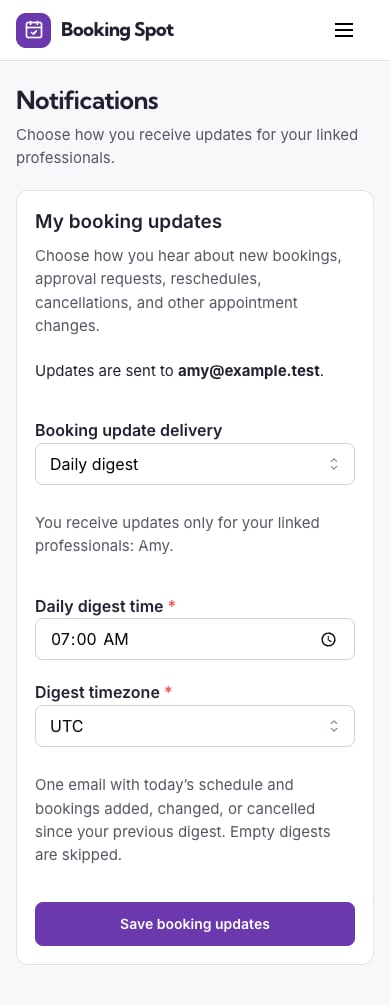
A Staff member chooses a daily digest for their linked professional.